
What you get
Why it matters
One of the biggest risks in scaling AI is overcorrecting with bureaucracy. Leaders hear about compliance, bias, or data risks and respond with layers of approval. The intention is good; the result is stalled projects. This template gives you guardrails that enable speed.
Practical guardrails to set
- Data Boundaries — define what data can and cannot be used.
Example: customer data cannot be exported; anonymised datasets only. - Ethical Use Standards — simple rules for fairness, transparency, and customer respect.
Example: AI may suggest financial products but cannot approve loans without human review. - Cycle Approval Checklist — a one-page sign-off covering data source, compliance, and risk. Once approved, teams have freedom to execute.
- Audit Trail — require Iteration Logs and Cycle Scorecards so every decision is recorded. Accountability without extra reporting cycles.
The principle
Governance is not about more meetings. It’s about setting clear boundaries once so teams can move fast inside them — like guardrails on a motorway: they don’t slow the car, they keep it on track.
Why it works
- Teams gain confidence: they know what’s allowed.
- Leaders gain oversight: results and risks are documented without micromanagement.
- The Flywheel keeps turning: approvals happen once at the start, not every week.
Inside the file
- Guardrails — one-page policy: Data Boundaries, Ethical Use, and Do/Don’t examples.
- Approval Checklist — data source, compliance flags, risk notes, sign-off fields (legal, security, owner).
- Audit Trail — links to required Iteration Log and Cycle Scorecard for each cycle.
- Poster — clean one-pager to publish on the intranet or share in kickoffs.
Example
A mid-sized bank introduced a two-page AI cycle governance guide. It clarified which data needed anonymisation, which use cases required ethics review, and which did not. Instead of slowing cycles, it gave teams clarity. Within three months, cycles doubled because staff no longer feared compliance pushback.
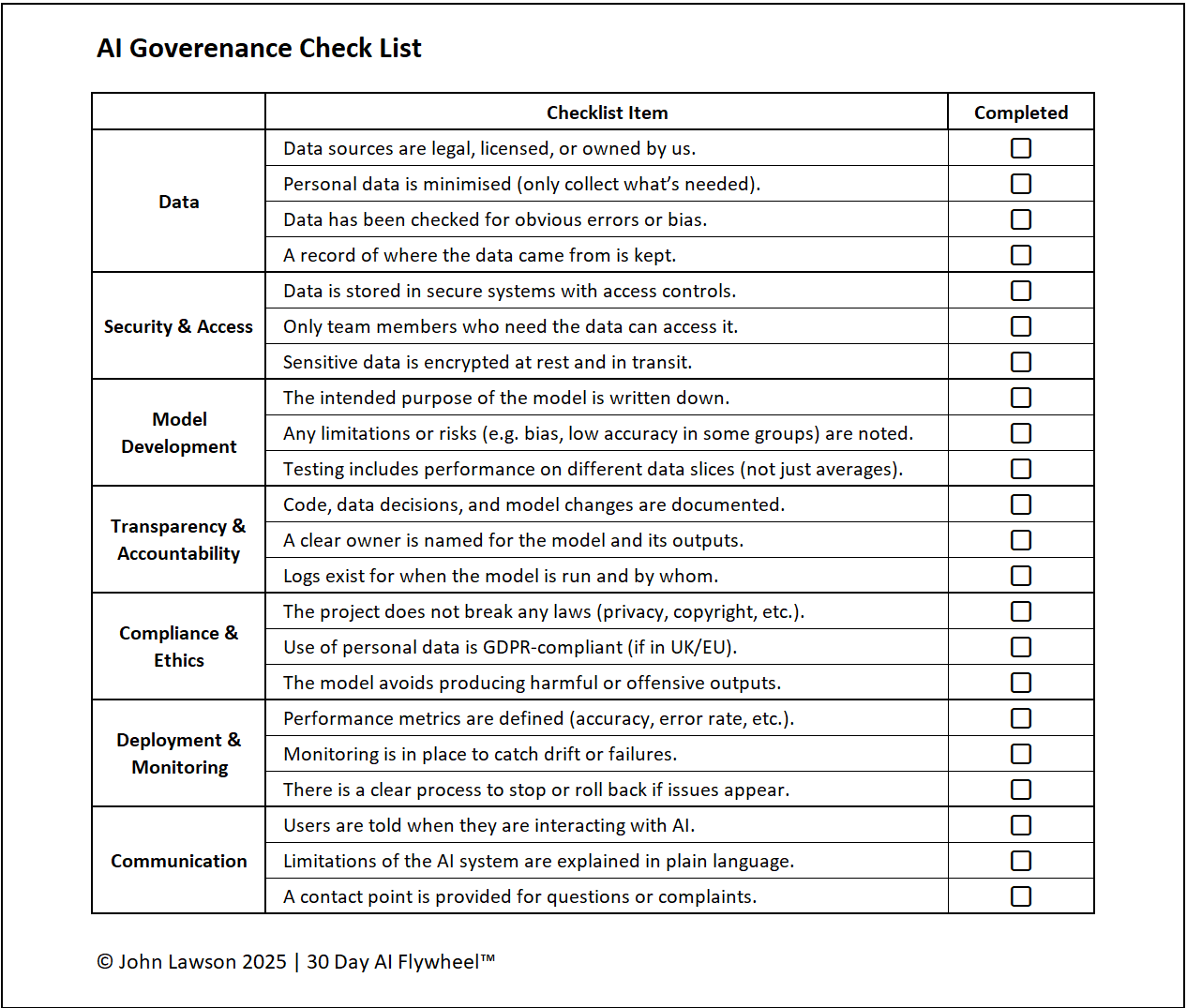

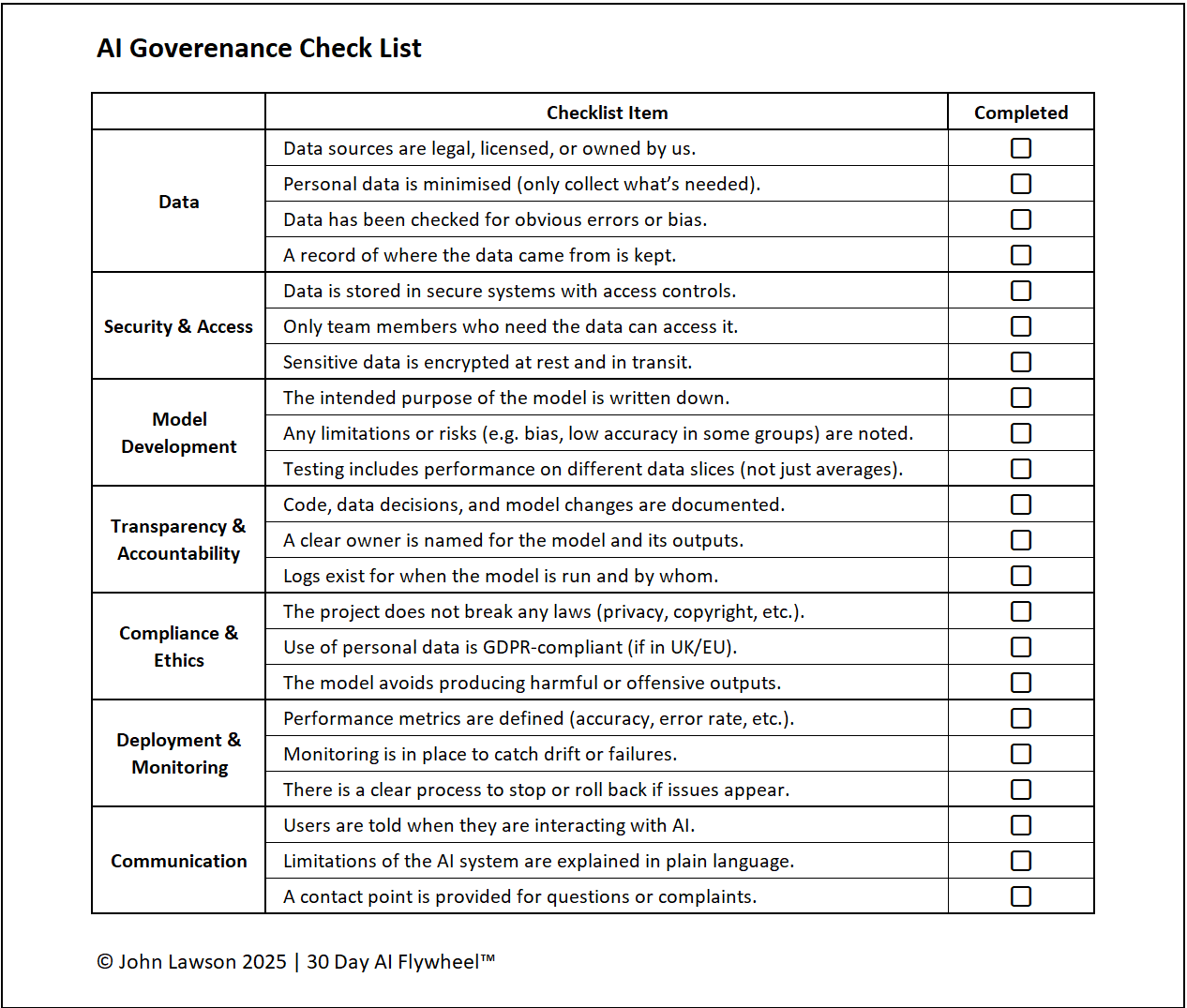
File: governance-guardrails.xlsx
How to use
- Download the template.
- If it opens in your browser, save it:
- Windows: press Ctrl + S or right-click & choose Save as.
- Mac: press Cmd + S or control-click & choose Save as.
- With Legal/Security, set the Guardrails once. Keep it to a single page.
- Use the Approval Checklist at kickoff. Once signed, let the team execute without further weekly approvals.
- Maintain the Audit Trail via Iteration Logs and Cycle Scorecards.
Action step
Create a one-page AI Governance Guardrails document and share it with all project owners. Make it clear: if teams stay inside those boundaries, they can move fast.