
What you get
Why download it
- Work out how urgent your own AI push should be.
- Use only public data. No insider access needed.
- Get a simple, fair score for each rival.
- Turn scores into a clear comparison for your next meeting.
Where to look
- Product updates: release notes and feature pages that show AI cycles.
- Job postings: roles for AI engineers, data scientists, and AI product managers.
- Press and blogs: company blogs, LinkedIn posts, and media coverage.
- Vendor partnerships: announcements with AI vendors or cloud providers.
- Customer experience: site, app, or support that shows assistants, personalisation, or automation.
How to score velocity
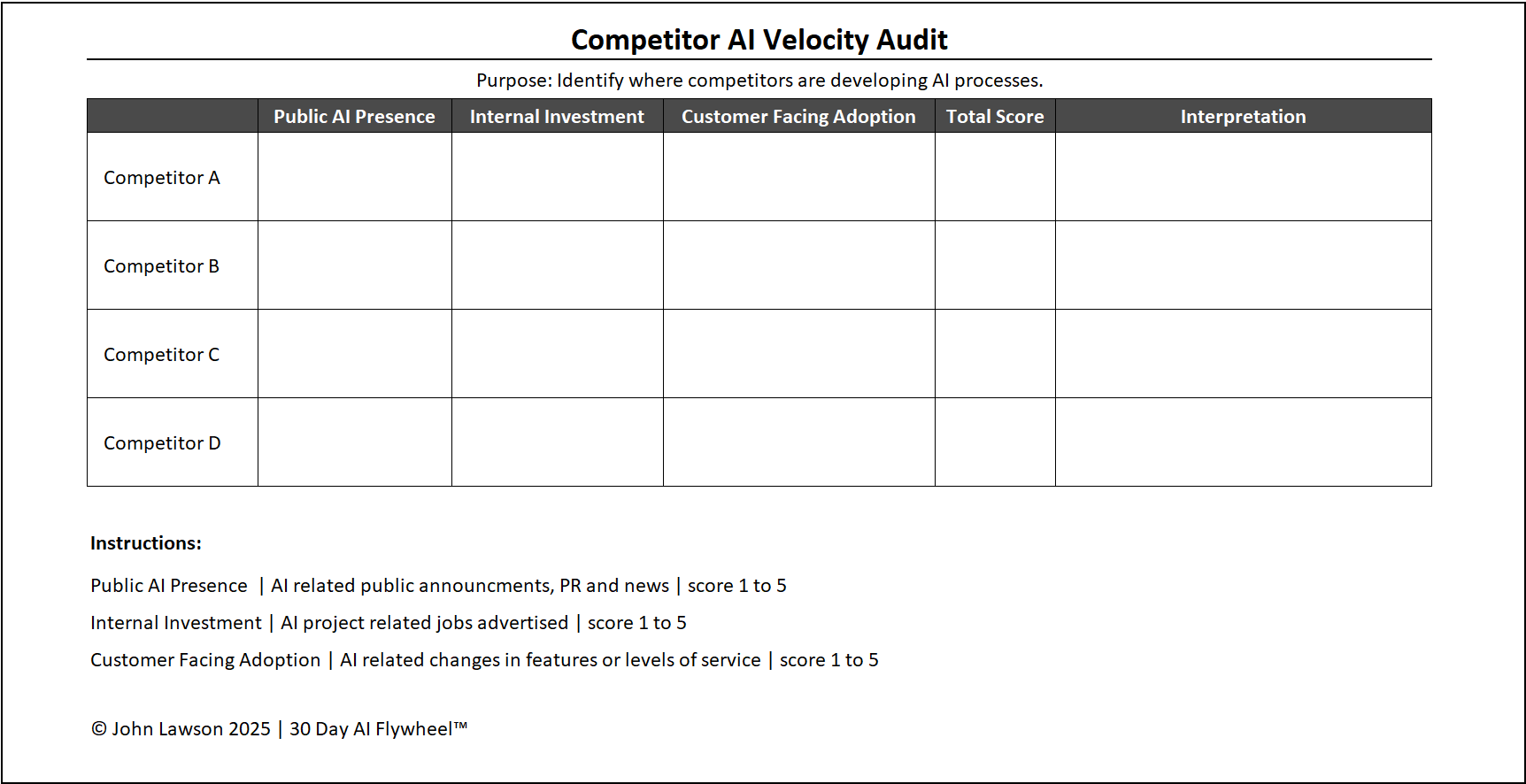
Create a simple grid and give each competitor a score from 1 to 5 in these areas:
- Public AI presence, announcements and marketing.
- Internal investment, job ads and teams.
- Customer facing adoption, visible AI features.
Interpreting the results
- 12 to 15: they are running multiple cycles. You may already be behind.
- 7 to 11: they are testing but not scaling yet. You can overtake if you move faster.
- 3 to 6: they are still waiting. Act now to reset expectations in your market.
Why it matters
Speed beats size. A smaller rival that runs three cycles in a quarter will pull ahead. This audit shows if you are gaining ground or losing it.

Download the Excel file
File: competitor-ai-velocity-audit.xlsx
How to download
- Click the button above. The file will start to download.
- If it opens in your browser, save it to your computer:
- Windows: press Ctrl + S or right click and choose Save as.
- Mac: press Cmd + S or control click and choose Save as.
- Open the file in Microsoft Excel or Google Sheets.
- If using Google Sheets, make a copy before editing.
Quick start
- List your top three competitors in the Competitors tab.
- Use the Signals tab to log product updates, jobs, press, partnerships, and CX checks.
- Score each area from 1 to 5 in the Scoring Grid.
- Open the Summary tab to see the comparison chart and talking points for leadership.