
What you get
Why it matters
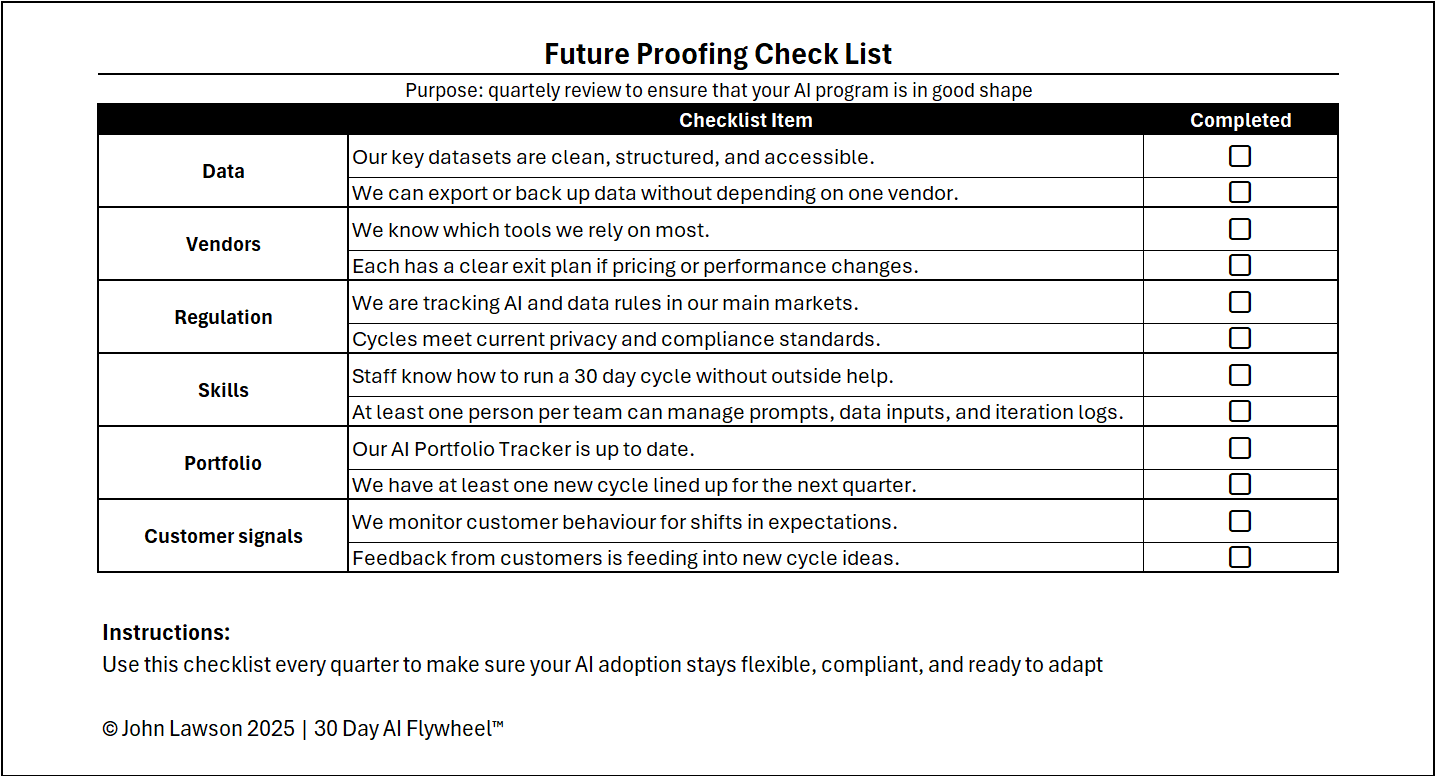
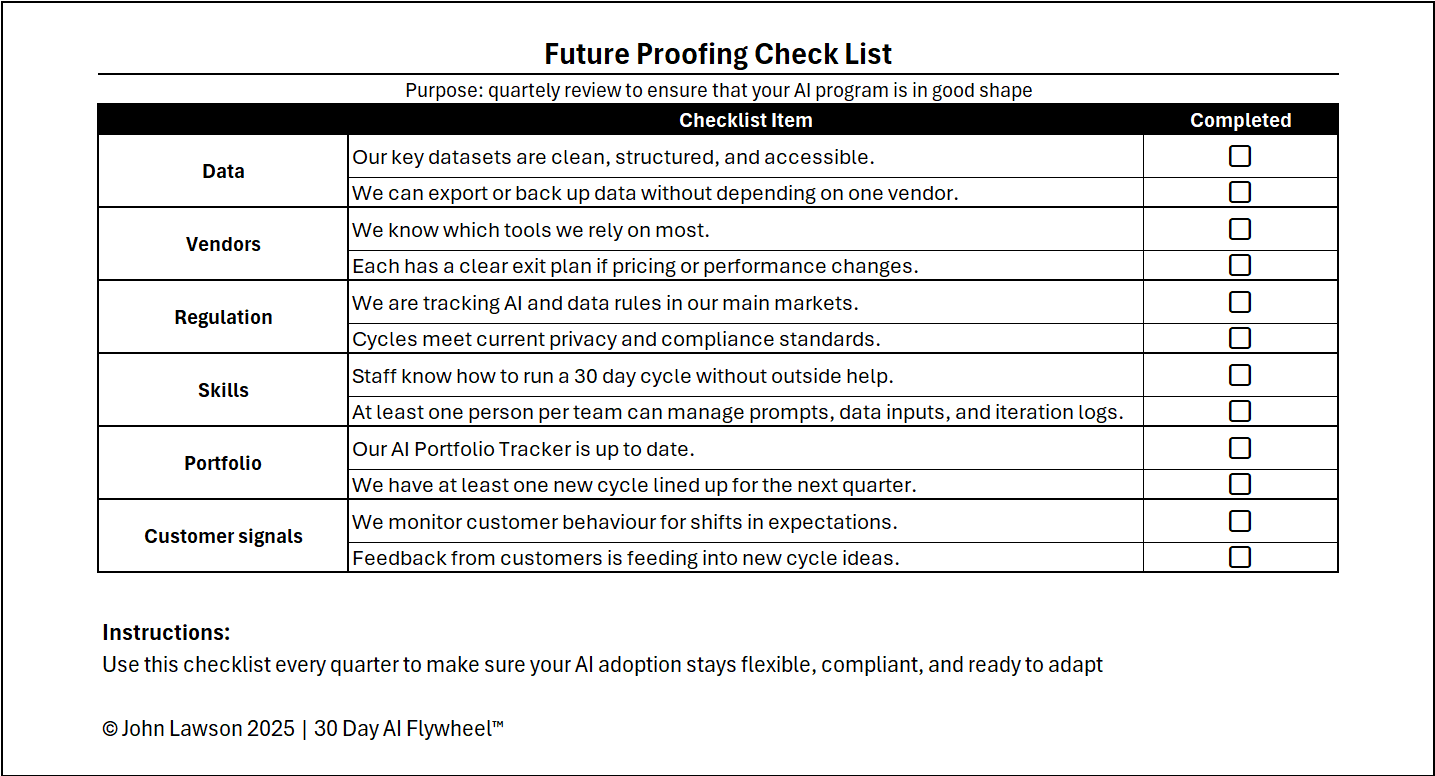
Use this quarterly checklist to make sure your AI programme doesn’t get brittle. It keeps data healthy, avoids vendor lock-in, stays aligned to changing rules, builds internal skills, maintains portfolio momentum, and listens for shifting customer signals.
Checklist items
Data
- ☐ Our key datasets are clean, structured, and accessible.
- ☐ We can export or back up data without depending on one vendor.
Vendors
- ☐ We know which tools we rely on most.
- ☐ Each has a clear exit plan if pricing or performance changes.
Regulation
- ☐ We are tracking AI and data rules in our main markets.
- ☐ Cycles meet current privacy and compliance standards.
Skills
- ☐ Staff know how to run a 30-day cycle without outside help.
- ☐ At least one person per team can manage prompts, data inputs, and iteration logs.
Portfolio
- ☐ Our AI Portfolio Tracker is up to date.
- ☐ We have at least one new cycle lined up for the next quarter.
Customer signals
- ☐ We monitor customer behaviour for shifts in expectations.
- ☐ Feedback from customers is feeding into new cycle ideas.
Inside the file
- Quarterly Checklist — tick-box view grouped by area with owner, due date, and notes.
- Risk & Actions — capture gaps, owners, deadlines, and follow-ups.
- Review Cadence — prompts for a quarterly review agenda and decisions.
- Portfolio Link — fields to link items into your AI Portfolio Tracker.
- Poster — one-page summary to share at leadership review.

Download the Excel file
File: future-proofing-checklist.xlsx
How to use
- Download the checklist.
- If it opens in your browser, save it:
- Windows: press Ctrl + S or right-click & choose Save as.
- Mac: press Cmd + S or control-click & choose Save as.
- Hold a quarterly review and assign owners for any unchecked items.
- Feed the resulting actions into your AI Portfolio Tracker and next cycle plan.
Action step
Review this checklist at the end of every quarter. Any box left unchecked becomes a priority in your next cycle.