
What you get
Why it matters
- Without a log, teams forget what changed and why.
- Iterations get repeated unnecessarily, wasting time.
- Successes can’t be replicated across teams or cycles.
- A written record turns guesswork into evidence for your next cycle.
Tip: Keep it lightweight — a simple shared sheet beats a long report. Momentum over paperwork.
What to track
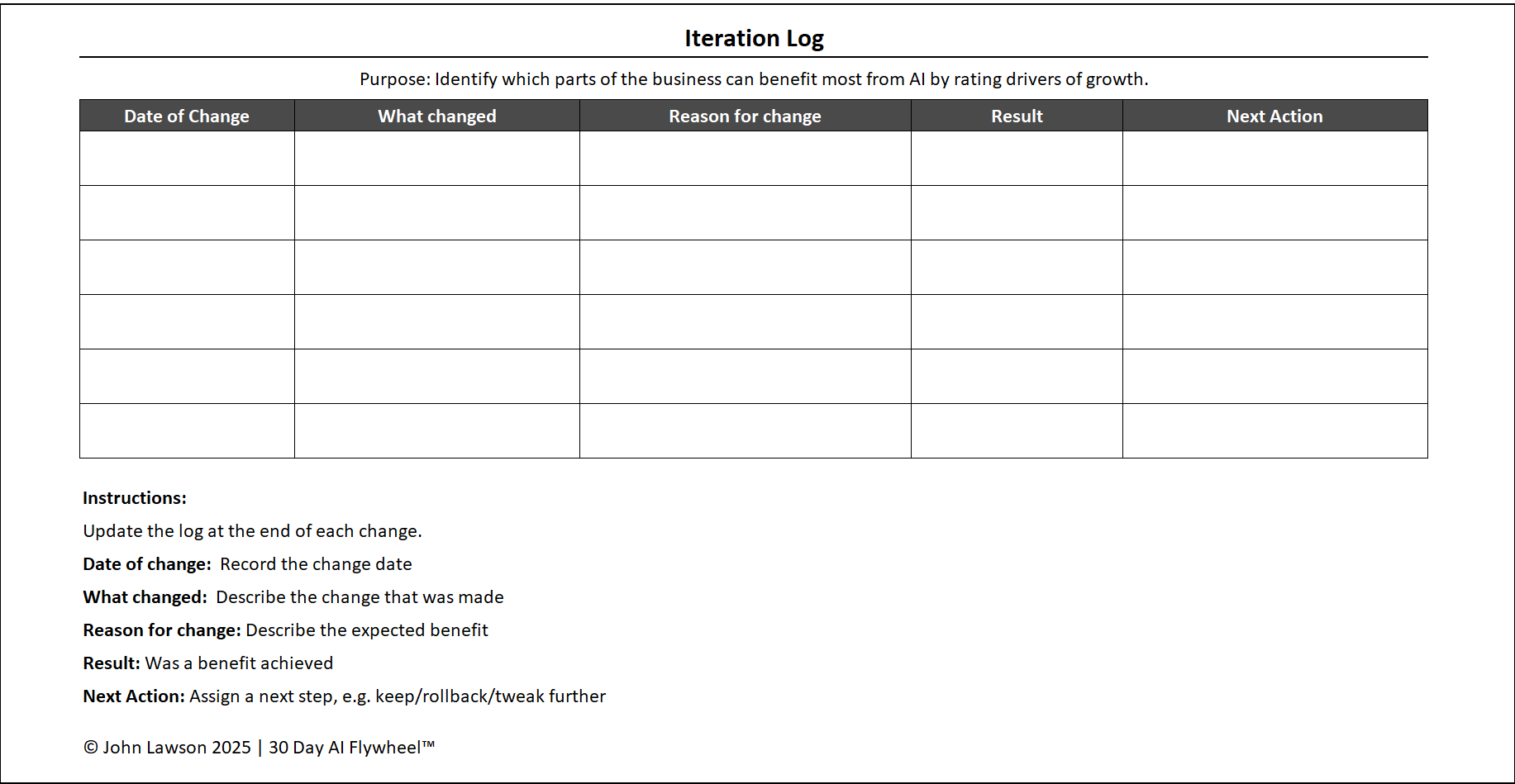
- Date of change — when the adjustment was made.
- What changed — tool setting, data input, workflow step, or prompt.
- Reason for change — why the team decided to adjust.
- Result — impact on the chosen metric after the change.
- Next action — keep, tweak further, or roll back.
How to use it
- Assign one person to update the log after each change.
- Review the log weekly to decide which changes worked.
- Carry the lessons into the next 30-day cycle to shorten time to results.
Inside the file
- Log sheet — Date, Owner, What Changed, Reason, Metric (Before → After), Result Summary, Next Action (Keep/Tweak/Roll Back), Link to Evidence.
- Weekly Review — quick table to mark winners/losers and actions.
- Charts — simple before/after visual for the primary metric.

Download the Excel file
File: iteration-log.xlsx
How to use
- Download the log.
- If it opens in your browser, save it:
- Windows: press Ctrl + S or right-click & choose Save as.
- Mac: press Cmd + S or control-click & choose Save as.
- Assign an owner and record every change as you iterate.
- Review weekly, keep what works, and roll lessons into the next cycle.
Action step
Download the Iteration Log and nominate an owner today. Log the next three changes your team makes and review them at week’s end.