
What you get
Why it matters
A cycle that works in a small test group can fail at scale if adoption isn’t managed. The checklist makes sure no step is missed — from comms and training to support and embedding — so the tool sticks.
Checklist items
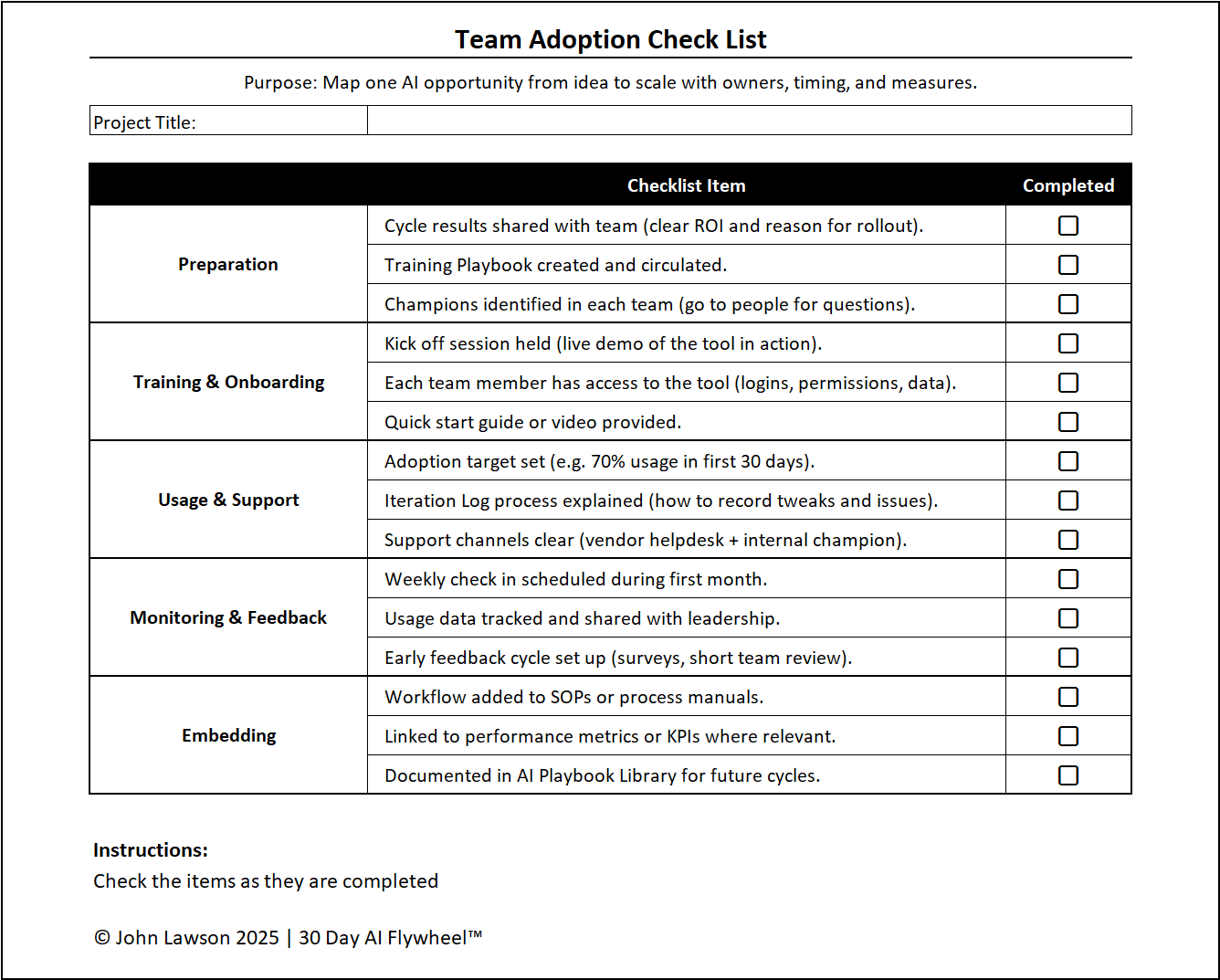
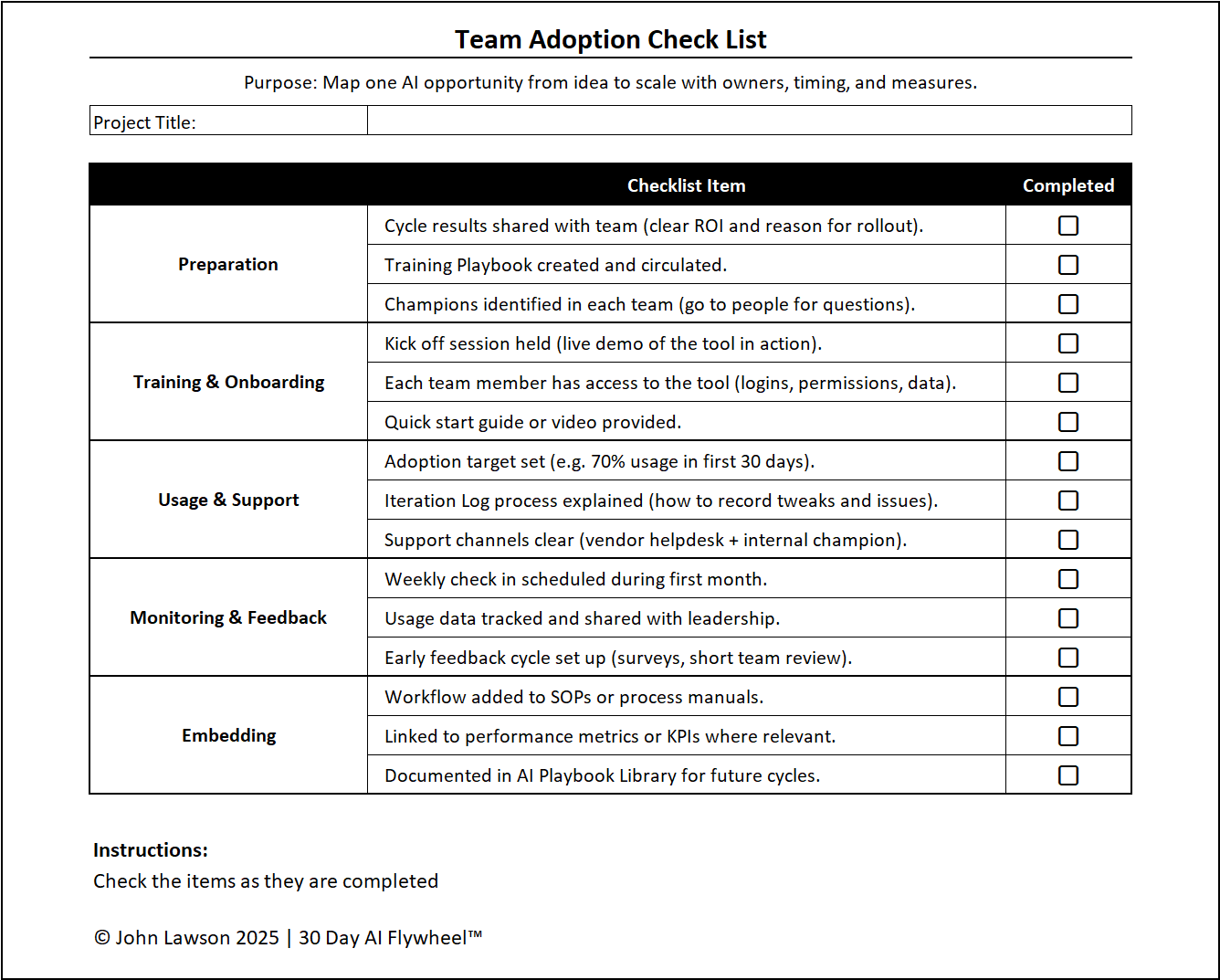
Preparation
- ☐ Cycle results shared with team (clear ROI and reason for rollout).
- ☐ Training Playbook created and circulated.
- ☐ Champions identified in each team (go-to people for questions).
Training & Onboarding
- ☐ Kick-off session held (live demo of the tool in action).
- ☐ Each team member has access (logins, permissions, data).
- ☐ Quick-start guide or short video provided.
Usage & Support
- ☐ Adoption target set (e.g., 70% usage in first 30 days).
- ☐ Iteration Log process explained (how to record tweaks/issues).
- ☐ Support channels clear (vendor helpdesk + internal champion).
Monitoring & Feedback
- ☐ Weekly check-in scheduled during the first month.
- ☐ Usage data tracked and shared with leadership.
- ☐ Early feedback loop set up (pulse survey or quick team review).
Embedding
- ☐ Workflow added to SOPs or process manuals.
- ☐ Linked to performance metrics or KPIs where relevant.
- ☐ Documented in the AI Playbook Library for future cycles.
Inside the file
- Checklist — tick-box view grouped by phase with owners and due dates.
- Adoption Tracker — weekly usage %, target vs actual, notes.
- Champions & Support — contacts, responsibilities, SLAs.
- Training Assets — links to Playbook, quick-start, and video.
- Weekly Review — prompts for issues, decisions, and next actions.
- Poster — one-page summary for leadership updates.
Example
A SaaS company rolled out an AI assistant for customer service using this checklist. By month one, 85% of agents were using the tool daily because training, champions, and feedback loops were all in place.

Download the Excel file
File: team-adoption-checklist.xlsx
How to use
- Download the checklist.
- If it opens in your browser, save it:
- Windows: press Ctrl + S or right-click & choose Save as.
- Mac: press Cmd + S or control-click & choose Save as.
- Assign an owner for each section (Prep, Training, Support, Monitoring, Embedding).
- Set a 30-day adoption target and review progress weekly.
- Tick off every box before calling the rollout complete.
Action step
Before rollout, print or share the Team Adoption Checklist and assign responsibility for each item. Tick off every box before calling the rollout complete.