
What you get
Why download it
- Make an apples-to-apples comparison and avoid demo bias.
- Decide in under an hour with a transparent rationale.
- Keep a record you can share with leadership and audit later.
How the scorecard works
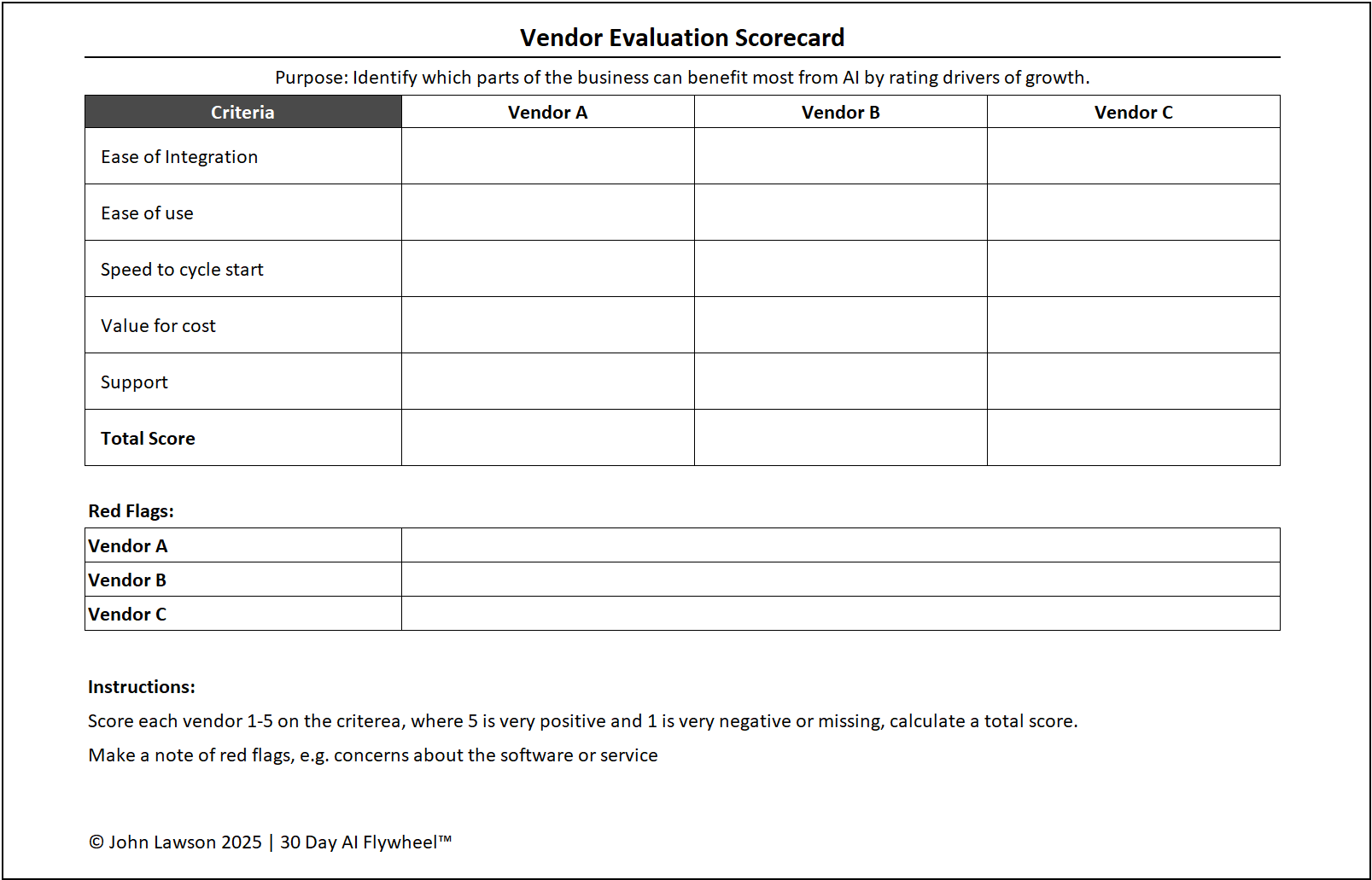
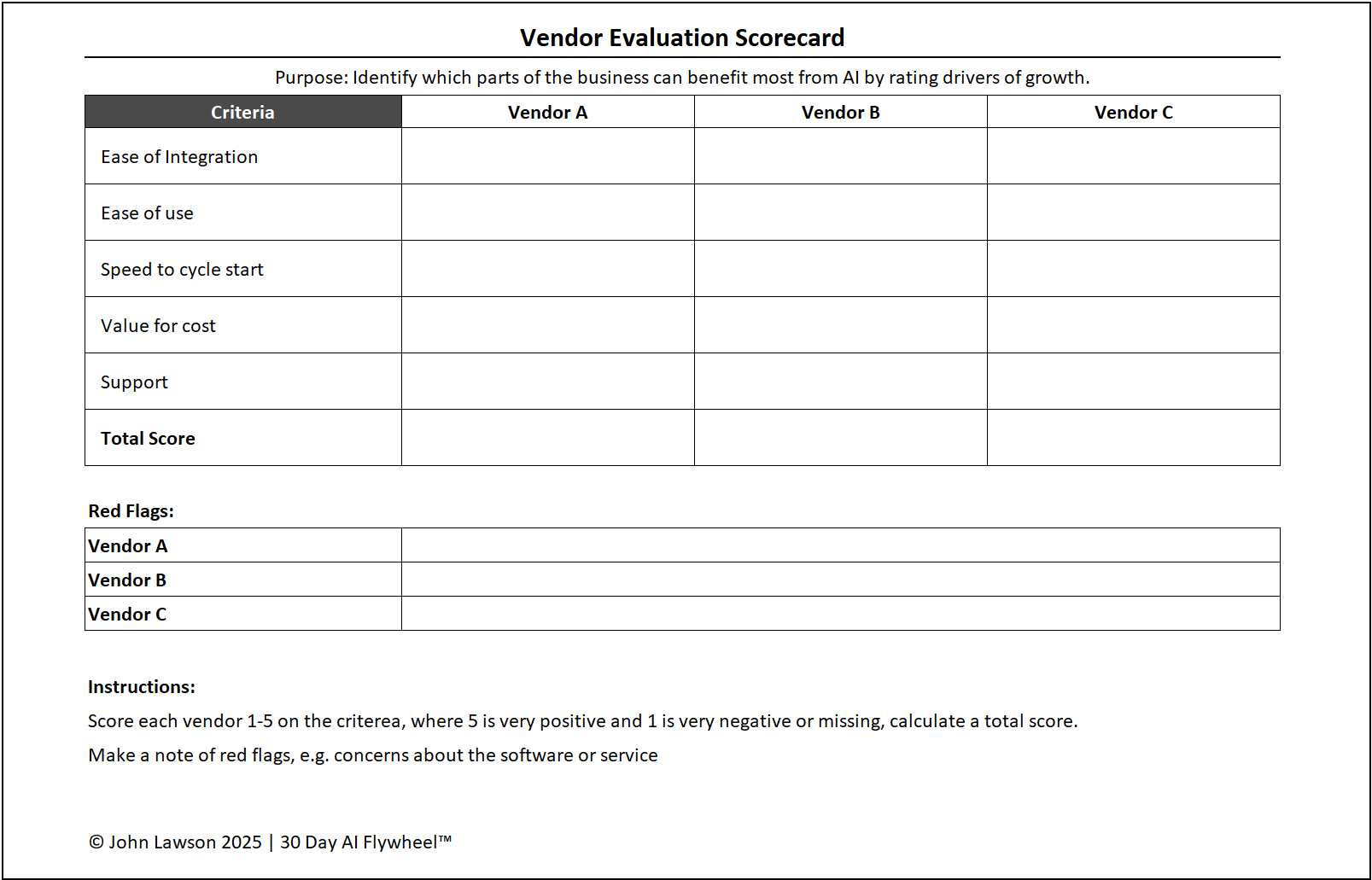
- Score each vendor 1–5 across five categories.
- Totals highlight the best balance of speed, fit, and long-term value.
- Optional weights let you emphasise what matters most this cycle.
Categories to score
- Ease of Cycle — testable inside 30 days with low setup?
- Data Fit — integrates cleanly with your current sources?
- Business Impact — expected revenue, savings, time, or CX gain?
- Scalability — easy to expand across teams/regions if it works?
- Support & Reliability — onboarding, support quality, security posture?
What the scorecard shows
- A table with vendors across the top (Vendor A, B, C…).
- Categories down the left with 1–5 scores and notes.
- A Total Score column and optional weighted total.
- Optional charts (radar and bar) to visualise strengths.
Inside the file
- Scorecard — enter vendor names, select 1–5 scores, add notes.
- Weights — tweak category weights (defaults equal).
- Charts — radar + bar views updating automatically.
- Checklist — quick readiness ticks (data access, owner, metric set).
Why it matters
Once you shortlist vendors, decisions should be fast and fair. This scorecard gives you a simple, defensible way to pick the best fit for a 30-day cycle.

Download the Excel file
File: vendor-evaluation-scorecard.xlsx
How to use
- Shortlist 2–4 vendors after your demo sprint.
- Score each vendor 1–5 in every category and add brief notes.
- (Optional) Adjust weights to reflect this cycle’s priorities.
- Review totals and charts, pick the winner, and record the decision date.
Action step
Run a 30-minute vendor review using the scorecard. Lock the top choice today and start your next 30-day cycle.